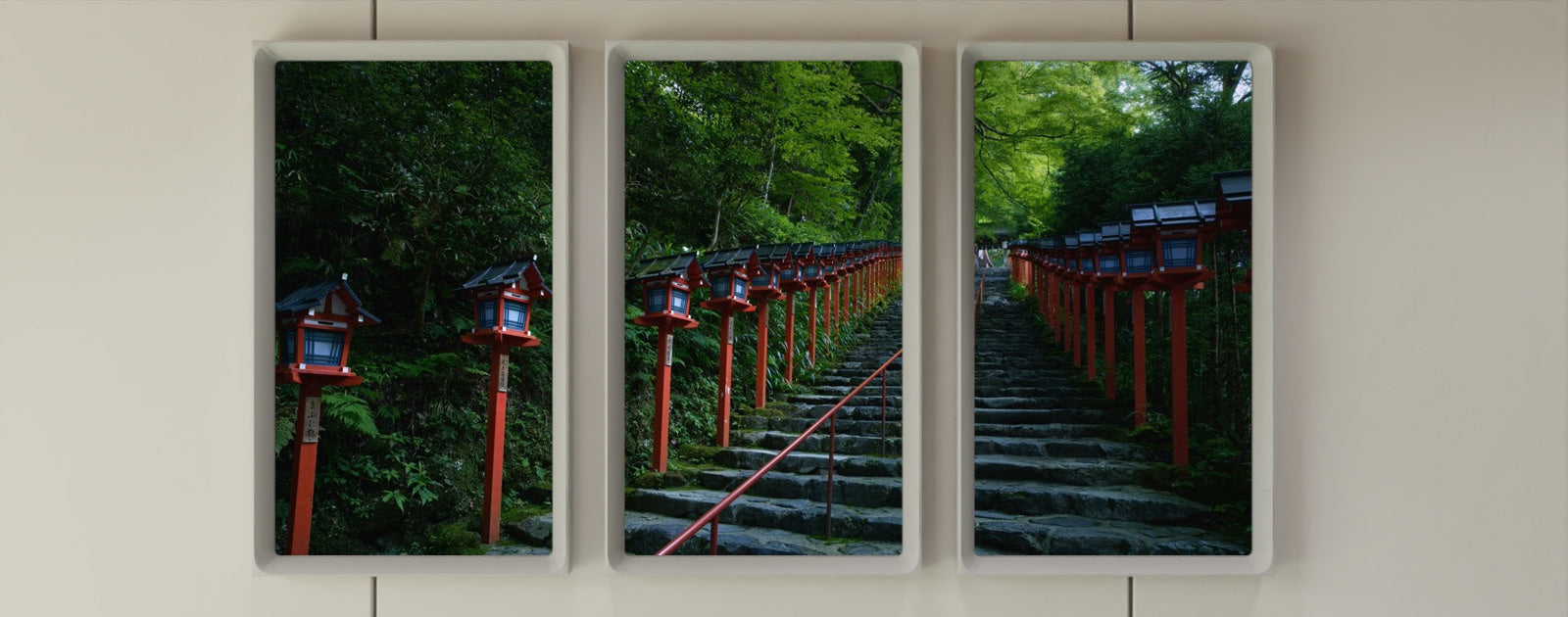



On September 1, 2026, we began rolling out v2.0, a major software update for Atmoph Window Yo.
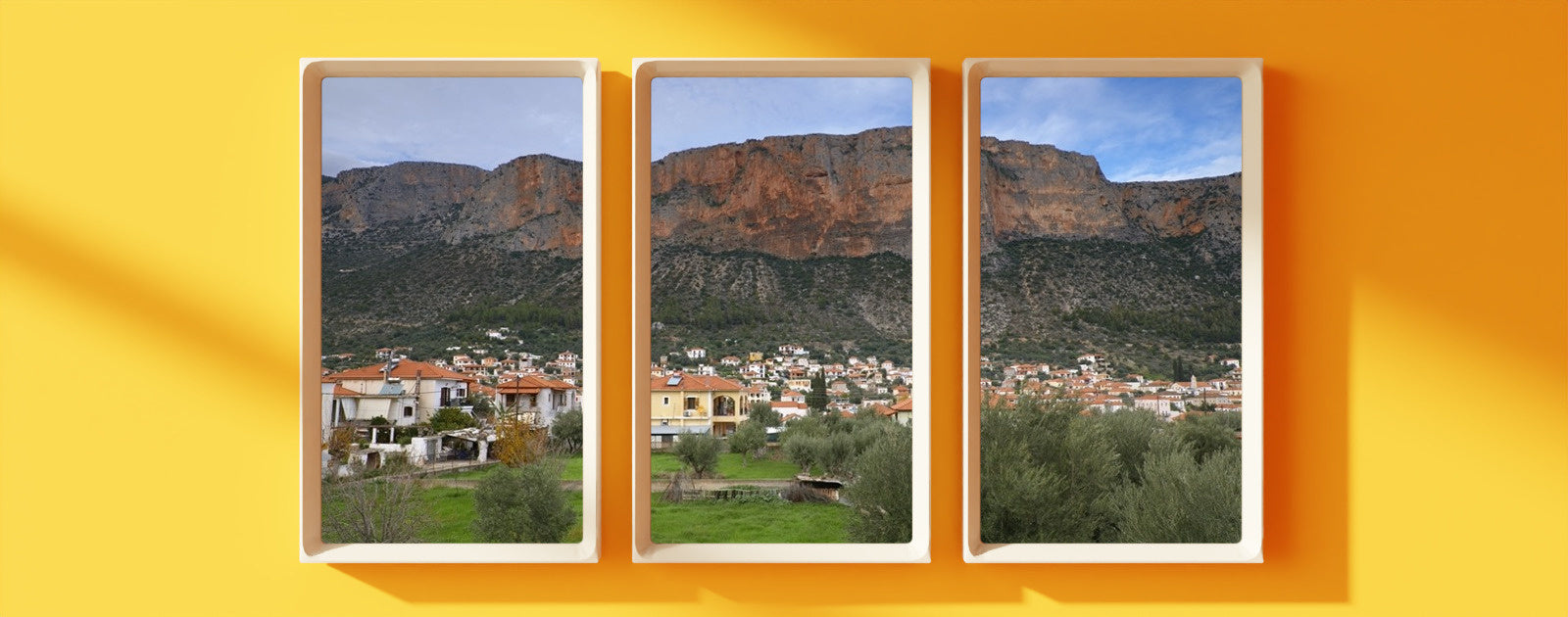
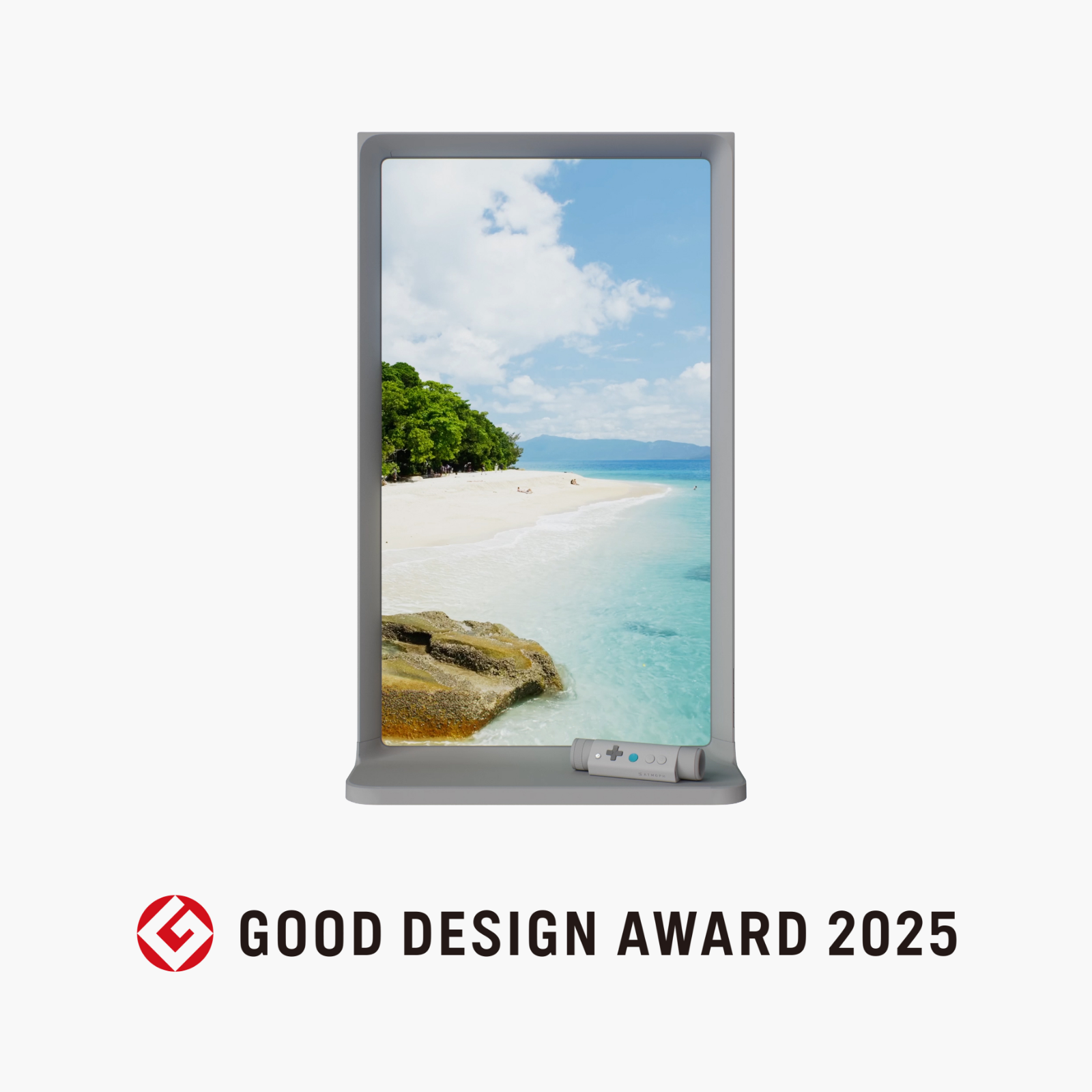
Until now, Atmoph Window Yo has brought landscapes filmed in more than 2,000 locations across over 50 countries into your room, framed like a real window. What v2.0 adds is six features that widen what that window is for. Art Gallery, an art app that hangs masterpieces in the window's frame. The new Ask, where you can talk with Window AI "Ring" while watching the view. The first original Atmoph game, built around the world's landscapes — and more. Here they are, one by one.
Talk about the view with Ring: the new "Ask"

Ask, the feature that answers your questions about a landscape, becomes a conversation in v2.0. Your companion is "Ring," the Window AI.
The history of the place in your window, or the people who live there. Or something else entirely. It feels like chatting with a guide you met on a trip, walking side by side — someone who can show you around the land on the other side of the glass without your leaving the room.
There are three ways to ask.
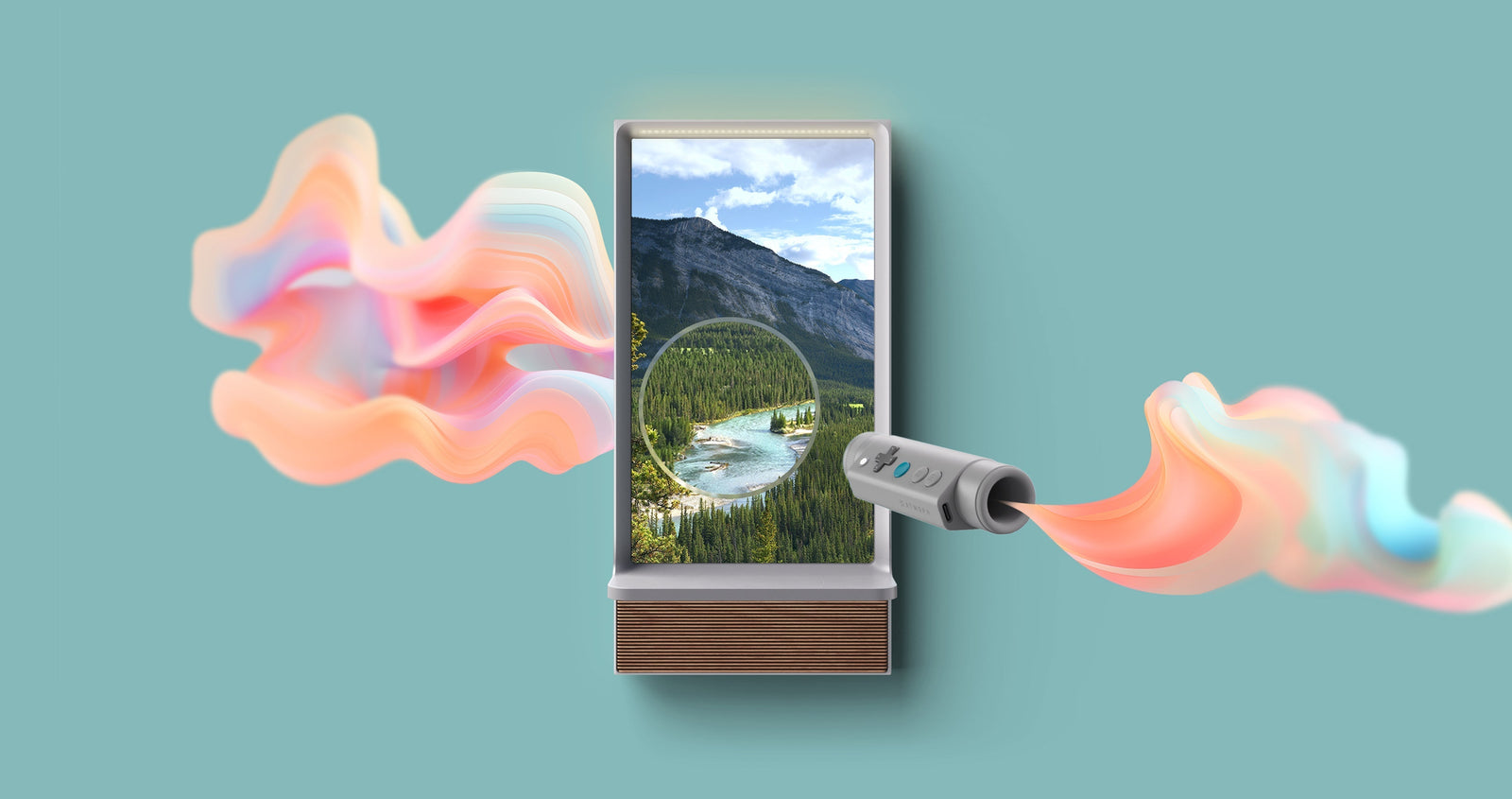
- Snip out part of the view: use Atmoph Scope to frame something that caught your eye and ask, "What is this?"
- Pick from the conversation palette: simply choose from ready-made questions — a quick way to ask
- Use the smartphone app: type your question, or speak it with the microphone button at the bottom right. While Ask is running you can talk with Ring, or say "find me a beach view" to search for landscapes by voice
You can change Ask's language and Ring's speaking volume from MENU > Settings > Ask on the window.
Your window becomes a gallery: the "Art Gallery" app

A seaside view in the morning, a painting at night, a gallery wall when guests come over. The window on your wall stays the same — only the room's expression changes.
Art Gallery is an art app that hangs masterpieces by Van Gogh, Monet, and Vermeer in the very frame that has been showing you the world. A window for landscapes and a frame for paintings, in one.
- Hang a masterpiece: works in your gallery rotate at a set interval, and you can change how they are displayed from Settings
- Enjoy the details: with Atmoph Scope, zoom into a painting and see the brushstrokes and the thickness of the paint up close. A picture-frame display option is also available
- The collection: three artworks are included free — Van Gogh's Sunflowers, Monet's Haystacks, and Vermeer's Lady Writing a Letter with Her Maid. Paid collections begin with Monet Vol. 1, Van Gogh Vol. 1, and Masterpiece Vol. 1, a varied selection of celebrated works, with the lineup expanding from here
The views you've been watching become the questions. "Quiz Atlas - Road to Grand Master"

"Which country is this landscape from?" "Whose flag is this?" "Is this a museum, or a research station?"
A casual quiz game built around the world's landscapes in your window, and the first original game made by Atmoph — 500 questions in all. The view you've been half-watching every day turns into a question you almost, but not quite, know the answer to. It's great to play with family and friends, too.
Single-window landscapes, on a panorama. "Flex Panorama"

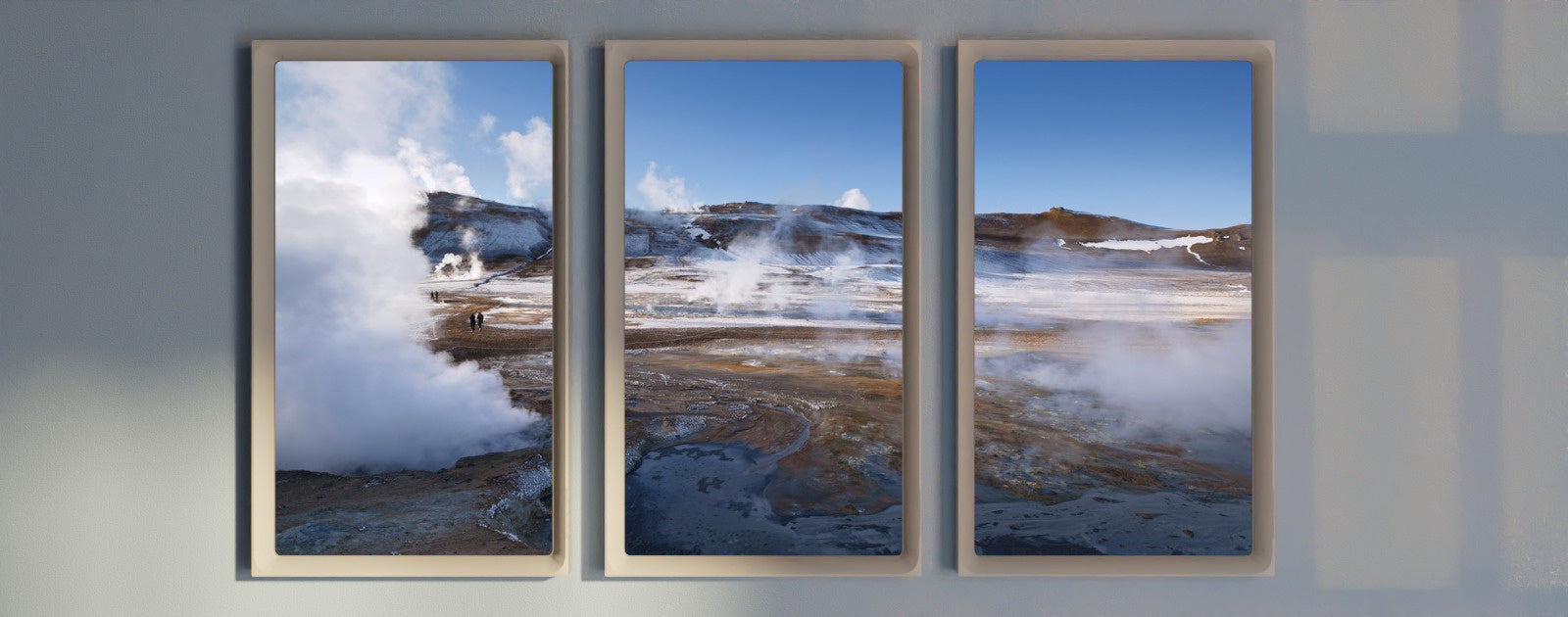
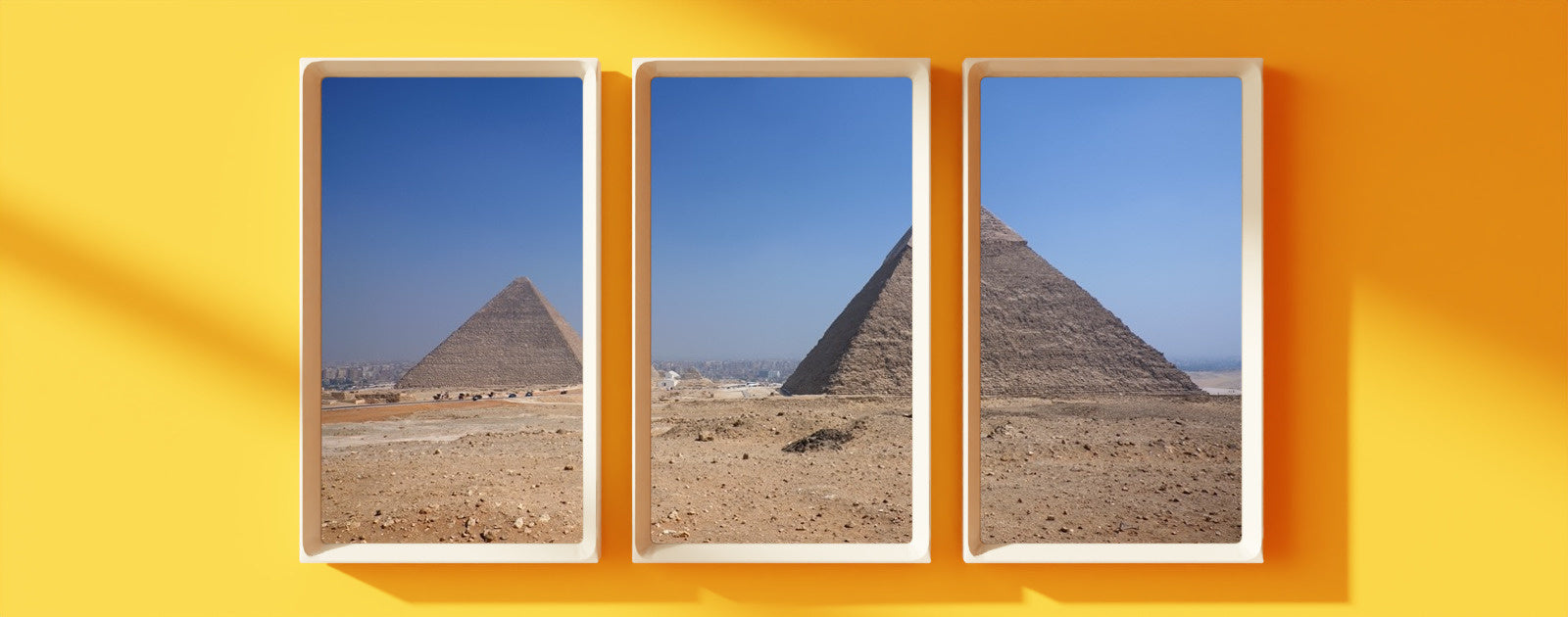
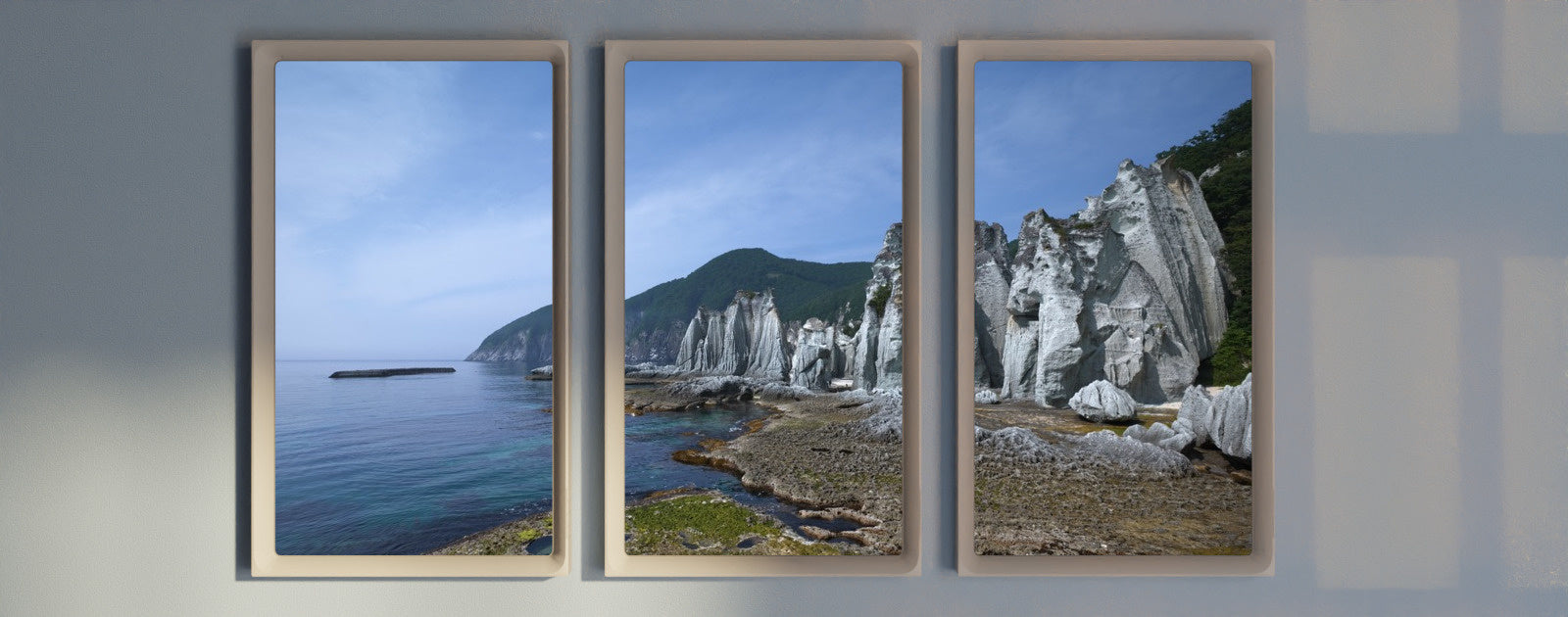
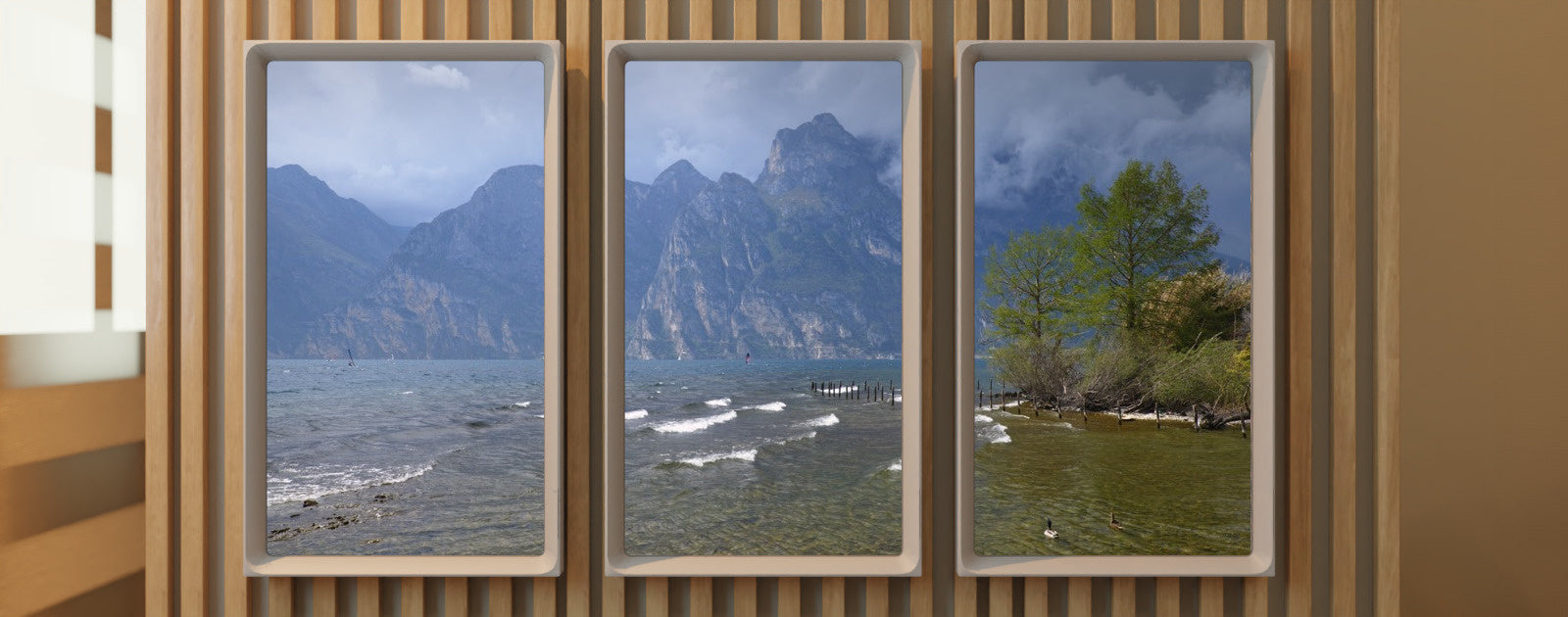
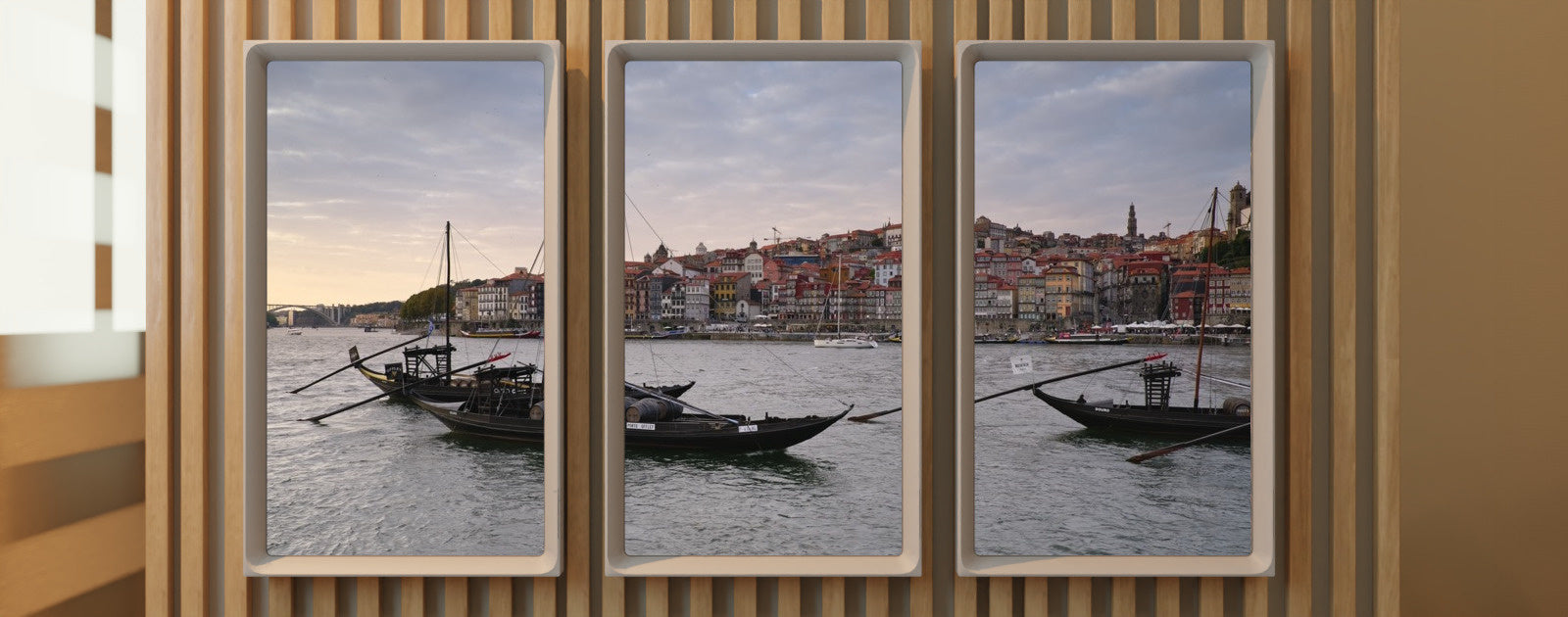
On a panorama — two or more Atmoph Window Yo units side by side showing one landscape — you can now display single-window landscapes with margins.
The space left over is drawn as a natural window frame rather than a black screen, with the landscape centered. Panorama landscapes that did not support four- and five-unit setups can be displayed the same way.
Turn on "Show landscapes that need margins" in MENU > Settings > Panorama > Group. You can choose the style of the margins as well.
Look up a view you love, and pass it on. "Quick Info"
While a landscape is playing, press the MAIN button on Atmoph Scope to bring up that landscape's information on screen. Use the directional pad to jump to the landscape's detail page, its map, or Ask — and the QR code at the bottom right opens the landscape's web page. Sharing a favorite view with family and friends is now much easier.
Voice input in the smartphone app
The Atmoph app (2.4.0 or later) gains a microphone button at the bottom right. Tap it to enter voice input mode and control your window by speaking. It listens in Japanese and English — press and hold the microphone button to switch languages.
Say "find me a beach view" to search for landscapes, or talk with Ring directly while Ask is running.
Getting the update
- If you already own an Atmoph Window Yo: with your window connected to Wi-Fi, go to Settings > System > Update and update to the latest software.
- If yours is still on its way: windows currently awaiting delivery will arrive with the latest update already installed
- Supported model: Atmoph Window Yo